
A good HTML sample should do two jobs at once: teach the structure and let a reader see the result. The blog now keeps those jobs together. The code remains copyable, while the Render preview control opens the same document in a sandboxed frame.
One document, two readings
The example below is intentionally self-contained. It has no external stylesheet, no JavaScript, and no dependency on the landing page runtime. That makes it useful as a reference and predictable when it is opened as a preview.
On the product pages we keep the surface calm and link to deep dives like this one. On the blog, advanced readers get the full implementation context without forcing every first visit through a code wall.
Why the preview is sandboxed
Previewing editor-authored markup is an enhancement, not permission to execute arbitrary page code. The preview frame uses a sandbox without script permissions, so the sample can demonstrate semantic HTML and inline CSS while scripts remain inert.
That small boundary is the useful pattern: code is visible, the result is tangible, and the host document keeps control of its own runtime.
Next, read the content architecture guide for the editorial boundary, or inspect a visual product surface without leaving the post journey.
See it in each edition
A screenshot per variant — open any one to jump straight to the live preview.
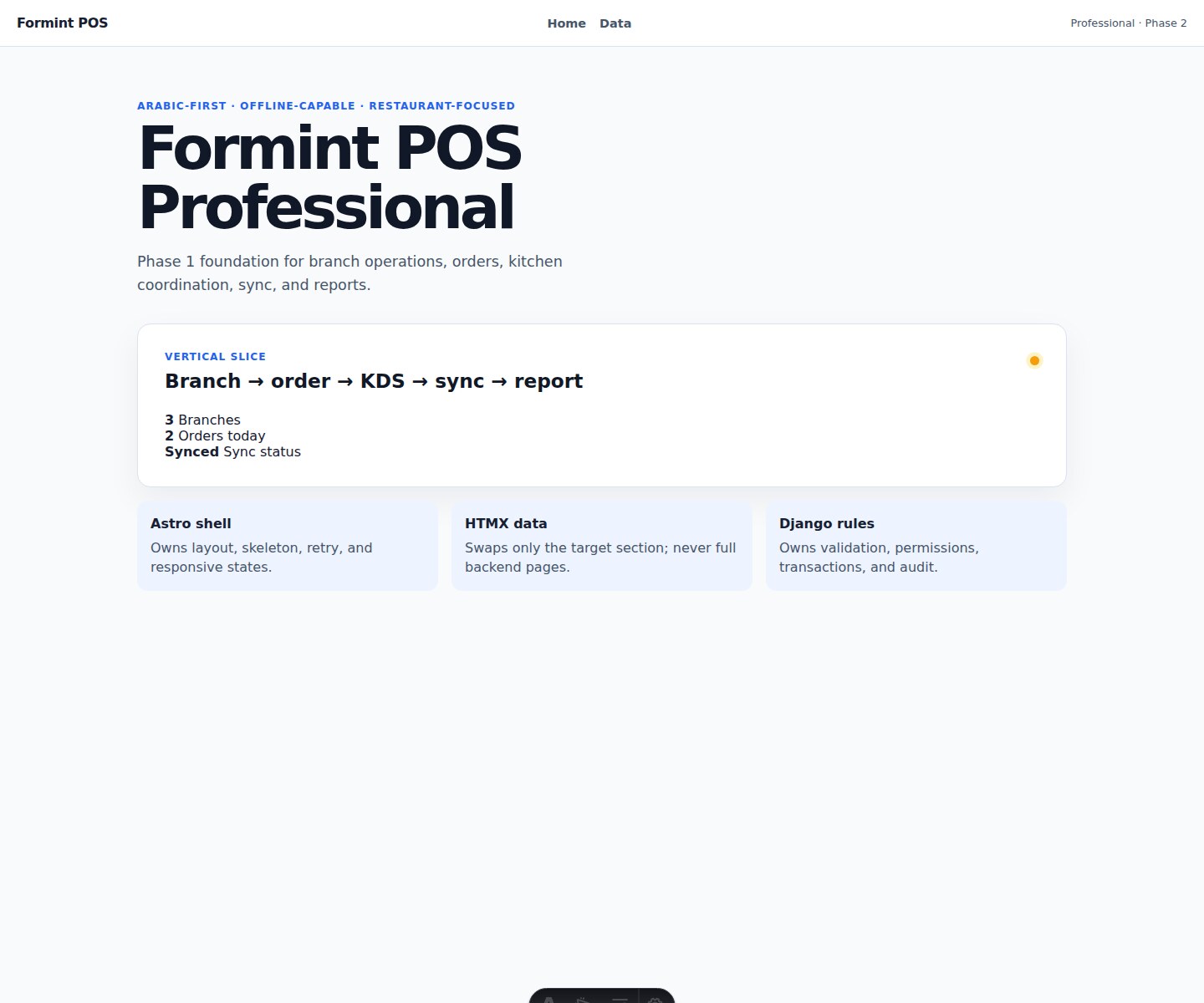
Rendered component
A real product surface from the same preview collection — the visual counterpart to the HTML sample.
Open the product preview ↗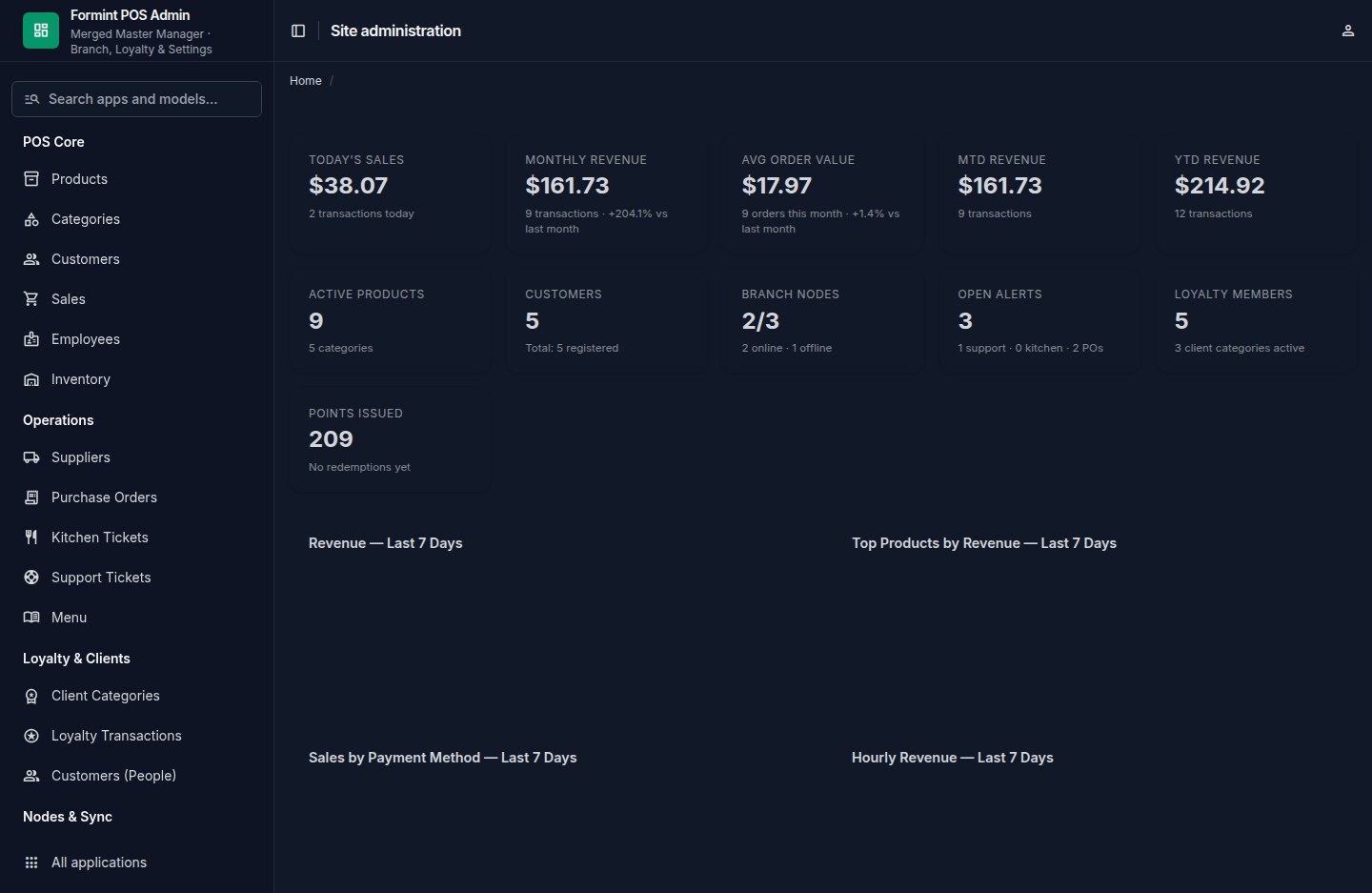
Operational surface
A second collected capture shows how a component grows into an operational product surface.
See Formints Pro ↗The code
The full code this deep dive walks through — copy the patterns into your own project.
<!doctype html>
<html lang="en">
<head>
  <meta charset="utf-8">
  <style>
    :root { color-scheme: light; font-family: system-ui, sans-serif; }
    body { margin: 0; padding: 2rem; background: #f5f2ea; color: #1d1b18; }
    .surface { max-width: 28rem; margin: auto; padding: 1.5rem; border: 1px solid #d9d2c5; border-radius: 1rem; background: #fffdf8; box-shadow: 0 1rem 3rem #1d1b181c; }
    .eyebrow { margin: 0 0 .5rem; color: #0b57d0; font: 600 .68rem/1.2 ui-monospace, monospace; letter-spacing: .14em; text-transform: uppercase; }
    h1 { margin: 0; font-size: 1.7rem; line-height: 1.05; }
    p { color: #6c685f; line-height: 1.6; }
    a { display: inline-flex; padding: .65rem .9rem; border-radius: .5rem; background: #0b57d0; color: white; text-decoration: none; font-weight: 600; }
  </style>
</head>
<body>
  <main class="surface">
    <p class="eyebrow">component / html</p>
    <h1>A page can be a document again.</h1>
    <p>This small surface is readable as source and useful when rendered.</p>
    <a href="/blog/">Read the field notes →</a>
  </main>
</body>
</html>
sandboxed HTML · scripts disabled
Comments
Sign in to join the conversation.
Commenting as